If you’re driving, or thinking about buying, a Rivian R1T, it’s natural to wonder how much battery degradation you’ll see over time. The pack is the most expensive component in the truck, and it directly determines how far you can tow, commute, or head off‑road on a charge. The good news: early data on Rivian R1T battery degradation is encouraging, and there’s a generous warranty backing it up.
Big picture
Rivian R1T battery degradation in the real world
When people talk about battery degradation, they’re usually asking one practical question: “How much range will I lose as this truck ages?” Technically, degradation is the slow, permanent loss of usable battery capacity measured in kWh. In everyday use, you experience that as fewer miles at the same state of charge.
Early Rivian R1T battery degradation snapshot
Those numbers come from owner‑shared data using tools like ABRP, ElectraFi, and Rivian‑specific logging apps, plus community forums. It isn’t lab‑grade testing, but when you see dozens of similar reports, especially from trucks driven hard and charged often, it paints a reasonably trustworthy picture.
Important context
How the Rivian R1T battery is built (and why it matters)
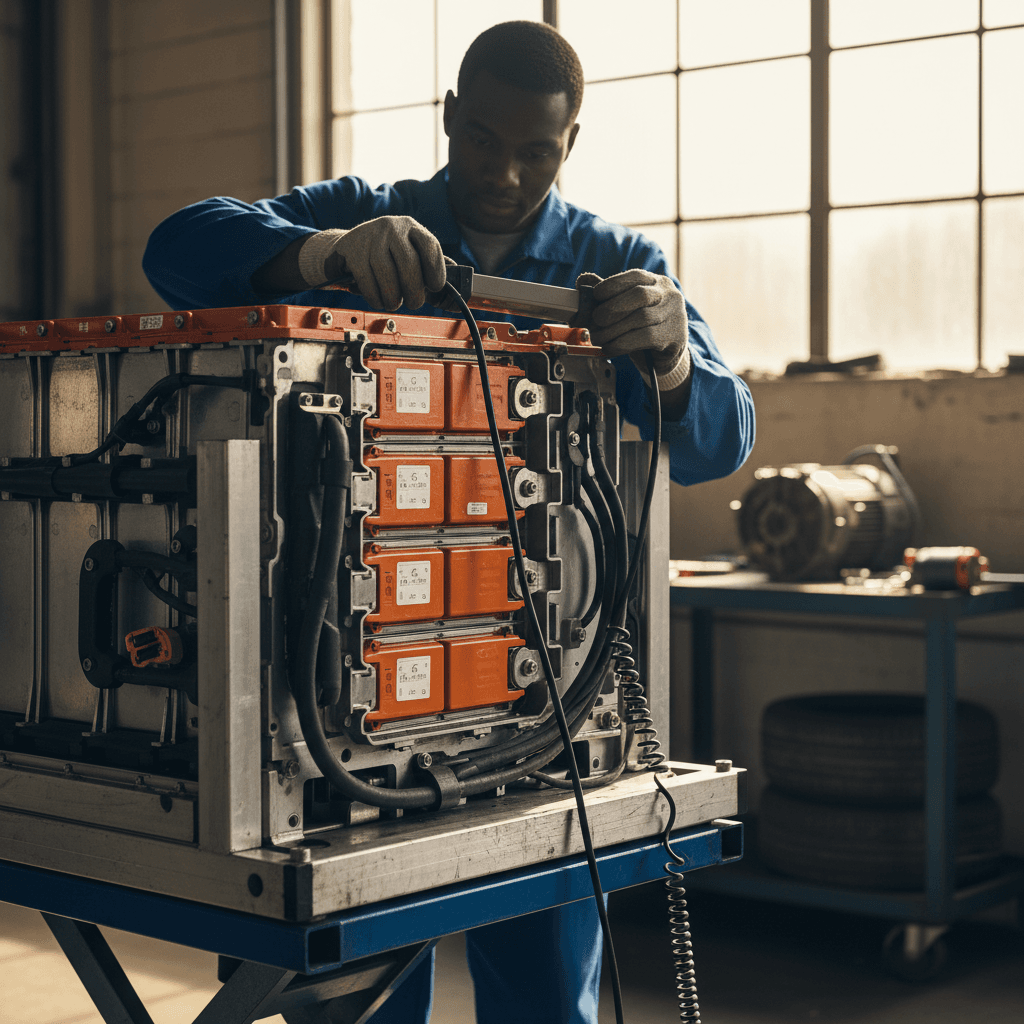
To understand Rivian R1T battery degradation, it helps to know what’s under the floor. The R1T uses a large skateboard‑style pack, built from thousands of Samsung cylindrical cells grouped into modules and then into the pack. Depending on model year and configuration, you’ll see these main pack options:
Rivian R1T battery pack options (simplified)
Approximate gross and usable capacities. Rivian has tweaked software‑limited capacity over time, so exact numbers can vary by build date and software version.
| Pack | Approx. gross capacity (kWh) | Approx. usable capacity (kWh) | EPA range when new (21" wheels, Quad) |
|---|---|---|---|
| Standard / Small | ~105 | ~100 | Around 270 mi (varies by year/config) |
| Large | ~141 | ~135 usable initially, later software updates raised usable slightly | ~314–350 mi depending on year/wheels |
| Max | ~149+ | ~140 usable | Up to ~400+ mi in some later dual‑motor trims |
These figures focus on the Large and Max packs, which represent most R1T trucks on the road today.
Rivian deliberately holds some capacity in reserve at the top and bottom of the pack. That buffer is one reason early Rivian R1T battery degradation looks so mild: software can gradually adjust how much of the pack is exposed as the cells age, smoothing out what would otherwise feel like a faster drop in capacity.
Built‑in protection
What R1T owners are reporting so far
Because Rivian doesn’t publish degradation curves, the best information we have comes from owner communities and logging tools that estimate usable capacity. Looking across dozens of real‑world reports, a few themes stand out.
Real‑world Rivian R1T battery degradation examples
Anecdotal, but remarkably consistent across use cases
High miles, low loss
Owners with early‑build R1Ts report 70k–80k miles with roughly ~1% estimated capacity loss. One long‑term driver with nearly 78k miles on a Large pack still sees around 129.8 kWh usable vs. ~131 kWh when new.
Heavy DC fast charging
Several owners who road‑trip frequently, and fast charge often, still report single‑digit degradation or none they can detect in daily use. That suggests Rivian’s thermal management during DCFC is conservative.
Typical daily drivers
Many drivers with 15k–40k miles see 0–3% estimated loss, sometimes no obvious change in highway trip planning. Range displays often look the same as day one at common charge levels.
Don’t over‑interpret the guess‑o‑meter
Rivian R1T battery warranty & official stance on degradation
Under its new‑vehicle warranty, Rivian backs the R1T battery pack for 8 years or 175,000 miles (whichever comes first) and guarantees that the pack will retain at least 70% of its original capacity over that period. That’s one of the most generous EV battery warranties on the market in both time and mileage.
Rivian R1T battery warranty at a glance
In plain language, Rivian is effectively saying: “We expect these packs to stay well above 70% capacity for at least eight years, even with real‑world usage.” Given how demanding trucks are, towing, off‑roading, heavy payloads, that’s a confident statement.
Why this matters for used buyers
6 factors that accelerate Rivian R1T battery degradation
No EV is magically immune to chemistry. The same things that hurt Tesla, Hyundai, or Ford packs can accelerate Rivian R1T battery degradation if you push them hard enough. The difference is in how well the system manages that stress.
Common drivers of faster R1T battery degradation
1. Keeping the truck near 100% for long periods
Lithium‑ion cells age faster when they spend a lot of time at very high state of charge (SoC). Regularly charging to 100% and letting the truck sit overnight at that level, especially in heat, is tough on the pack.
2. Frequently running down to near 0%
Deep discharges are another stressor. Occasionally driving to a low SoC is fine, but habitually running the R1T nearly empty before charging adds wear over time.
3. Repeated high‑power DC fast charging on a hot battery
Rivian’s thermal management is robust, but extreme use, back‑to‑back fast charges in hot weather after hard driving, means high current plus high temperature, the worst combination for long‑term health.
4. High average battery temperature
Living in very hot climates and parking outside in direct sun can raise pack temperatures. The truck will cool itself when plugged in, but prolonged heat still nudges degradation upward.
5. High sustained loads (towing at high speed in heat)
The R1T is built to tow, but repeated long‑distance towing at freeway speeds in hot conditions forces the pack to work harder and run warmer, which can slightly accelerate wear.
6. Poor charging setup or out‑of‑spec hardware
Using badly wired home circuits or low‑quality third‑party charging equipment can cause voltage irregularities or excess heat. It’s rare, but hardware issues can indirectly affect battery longevity.
What you don’t have to fear
Habits to minimize Rivian R1T battery degradation
You can’t stop chemistry, but you can stack the deck in your favor. If you want your R1T to hold as much capacity as possible for as long as possible, a few simple habits go a long way, especially if you live in a hot or very cold climate.
Practical habits to protect your R1T battery
None of these are hard; together they add up.
Use a conservative daily charge limit
For everyday driving, set your charge limit around 60–80%. Only bump to 100% right before a trip, and hit the road shortly after the truck reaches full.
Time your 100% charges
Use scheduled charging so the truck finishes charging to 100% shortly before you depart. This avoids leaving the pack at full for hours overnight.
Manage extreme temperatures
Whenever you can, park in a garage or shade and keep the truck plugged in. That lets the thermal system condition the pack without eating into your usable range.
Be smart about fast charging
On road trips, start DC fast charging when you’re between roughly 10–40%, and don’t worry about unplugging once the charge rate tapers off. Topping to 80–90% is plenty in most cases.
Keep software and maintenance up to date
Install Rivian’s over‑the‑air updates and follow service guidance. Firmware updates can fine‑tune pack management and sometimes slightly change usable capacity reporting.
Watch trends, not single readings
Use range estimates, trip‑meter Wh/mi, or third‑party apps to track long‑term trends. A single odd reading after a software update doesn’t mean your pack suddenly degraded.
Cold‑weather sanity check
Degradation vs range loss: why numbers don’t always match
One of the most confusing parts of Rivian R1T battery degradation is that the numbers you see on screen often don’t line up neatly with what logging apps report or what you feel on the road. That’s because three different forces are at work:
1. True chemical degradation
This is the slow, irreversible loss of capacity in the cells themselves. It tends to be relatively smooth over time, faster in the first year or two, then more gradual.
It’s best measured by a full‑to‑empty‑to‑full energy test, not by the truck’s guess‑o‑meter alone.
2. Software estimates and buffers
Rivian can adjust how much of the pack is accessible and how the BMS estimates capacity through software updates. That can make it look like you suddenly lost (or gained) range even if the underlying chemistry hasn’t changed overnight.
3. Efficiency and driving conditions
Wind, temperature, tire choice, elevation, speed, and payload all change how many miles you get per kWh. If your efficiency drops from 2.0 to 1.7 mi/kWh, your practical range falls even if the pack’s usable capacity hasn’t changed much.
Putting it together
If you see range estimates bouncing a few miles after an update or tire swap, that’s normal. Meaningful Rivian R1T battery degradation shows up as a consistent, long‑term reduction in how many kWh you can put into the pack from 0–100%, not just a change on the dashboard.
Shopping used: how to judge an R1T’s battery health
If you’re eyeing a used Rivian R1T, battery health should be near the top of your checklist, right alongside accident history and service records. The truck is new enough that catastrophic degradation is rare, but a structured evaluation is still worth your time.
Used Rivian R1T battery health checklist
1. Verify in‑service date and mileage
Ask when the truck was first delivered and how many miles it has. This tells you how much of the 8‑year/175k‑mile battery warranty remains and creates a baseline for what degradation would be reasonable.
2. Ask for charging and usage history
How did the previous owner charge? Home AC vs frequent DC fast charging, daily charge limit, typical SoC window, and climate all matter. You’re looking for consistent, moderate use rather than extremes.
3. Look at real‑world range, not just EPA numbers
Take a test drive on a known route and compare trip‑meter Wh/mi and remaining SoC to what you’d expect from a healthy pack. Big unexplained gaps can be a red flag worth investigating further.
4. Use a third‑party battery health report
Tools that read pack‑level data (or a platform like <strong>Recharged</strong> that includes a <strong>Recharged Score</strong> report) can estimate usable capacity and flag unusual patterns, giving you more confidence than the dash alone.
5. Confirm there are no active battery‑related alerts
Check the Rivian app and the vehicle’s display for warnings or service advisories related to high‑voltage systems. Ask whether any pack or drive unit work has been done under warranty.
6. Price in remaining warranty and pack health
A low‑mileage R1T with strong battery data and plenty of warranty remaining commands a premium. A higher‑mileage truck isn’t a bad buy, but you want documentation and pricing that reflects future risk.
How Recharged helps
Rivian R1T battery degradation FAQ
Frequently asked questions about R1T battery degradation
Bottom line: should you worry about R1T battery degradation?
If you’ve been anxious about Rivian R1T battery degradation, the early evidence should be reassuring. Despite hard use, towing, off‑roading, and lots of fast charging, most owners are reporting only a few percentage points of loss over the first several years, and Rivian’s 8‑year/175,000‑mile, 70%‑capacity warranty adds an extra layer of protection.
As with any EV, your habits matter. Keeping the truck in a moderate state‑of‑charge for daily driving, letting the BMS and thermal system do their work, and using fast charging thoughtfully will all help your pack age gracefully. And if you’re shopping used, pairing those best practices with transparent battery health data, like the Recharged Score report on every EV we sell, lets you enjoy Rivian’s adventure‑ready pickup without obsessing over every percent on the gauge.